

Sellers and interested leads on a listing
Link a listing to the client selling it, and see everyone who has asked about it, toured it or is buying it.
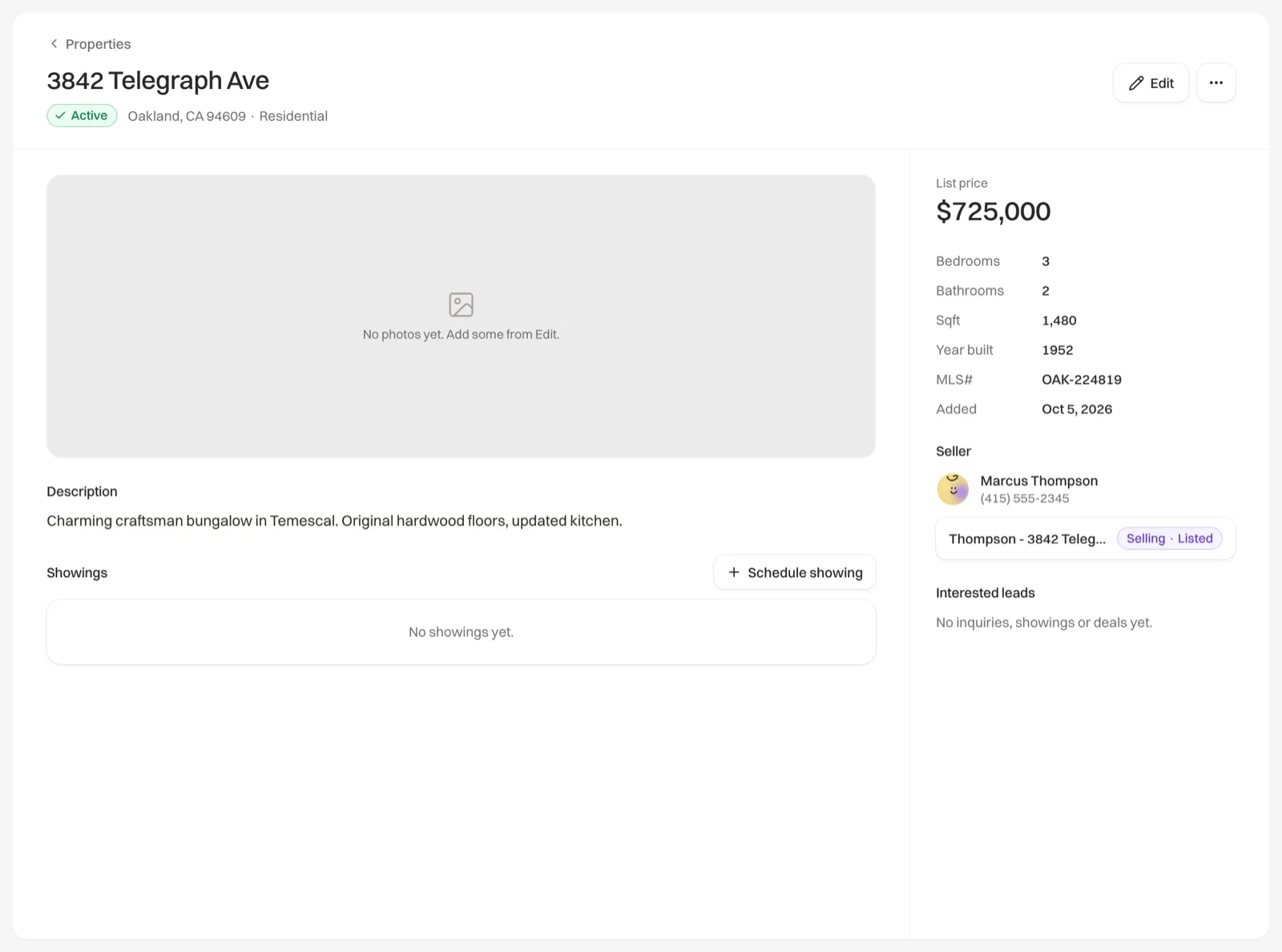
A listing’s page shows two groups of people beside its details: the Seller, your client who owns the home, and Interested leads, everyone who has shown interest in it. Seller appears once you have set one.
Set the seller
Open the listing's form
Go to Properties, open the listing and click Edit.
Pick the seller
Under Seller, search your contacts and choose the owner.
Save
Click Save listing.
Adding a seller starts their Selling deal on Pipeline, named after the address with “sale” at the end, at the stage that matches the listing’s status. If the seller already has an open Selling deal with no home attached, that deal is used instead of a new one. The listing page shows the deal under the seller’s name, with its stage. A sold listing doesn’t start a new deal.
- If you change the seller, the open Selling deal moves to the new seller, with its tasks.
- If you clear the seller, their Selling deal stays on Pipeline, without a home attached.
- A sold listing keeps its seller, and you can’t change it.
Interested leads
Interested leads lists each person once, newest first, with what they did:
- A Buying deal on this listing, with its stage. Add one from the contact’s page or Pipeline.
- A microsite inquiry, with the start of their message and when they sent it.
- A showing: when it is booked for, when they toured, or that they missed it or it was cancelled.
Click a name to open the contact. The seller is never listed here.